Connection USB-C
Displays Up to 3
Power 85W PD
Driver Native
This page contains affiliate links. We may earn a commission at no extra cost to you. Read our affiliate disclosure.
 By Adrian Cel
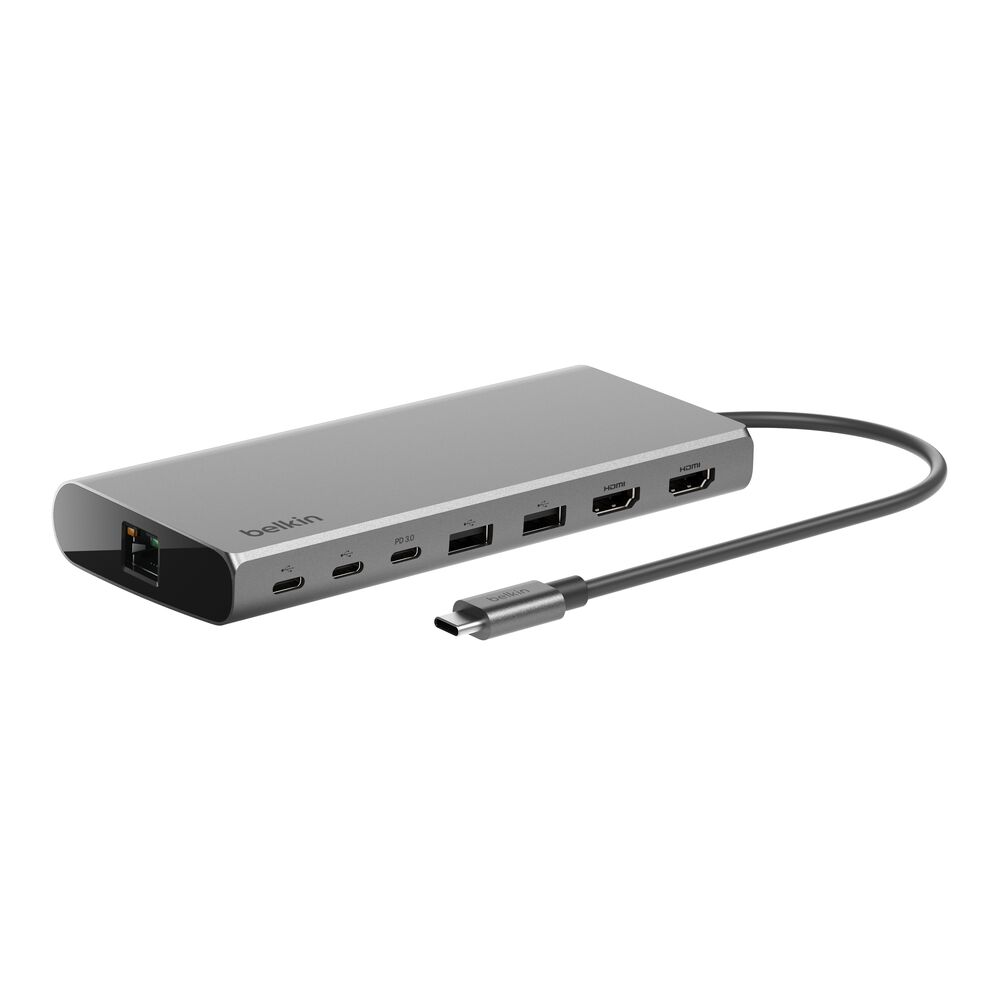
The Belkin INC008 is a compact USB-C travel hub built around five basics: one HDMI 2.0 output, two USB-A ports, one Gigabit Ethernet port, and one USB-C Power Delivery input. Belkin positions it as a Works With Chromebook certified adapter, but the product page also lists Mac and Windows compatibility. The useful spec is the video output. HDMI supports up to 4K at 60Hz, which is better than many older USB-C hubs that stop at 4K 30Hz. The two USB-A ports are also faster than the usual budget-hub ports, with Belkin listing 10 Gbps data transfer and 5V / 0.9A power per port. Power is pass-through only: the USB-C port accepts up to 100W input, the hub uses about 15W for itself, and the laptop can receive up to 86W. There is no charger in the box and the USB-C port is not a downstream data or phone-charging port.
Workaround: Choose a dual-display USB-C, DisplayLink, Thunderbolt, or USB4 dock if you need more than one monitor.
Workaround: Use the two USB-A ports for peripherals, or buy a hub with downstream USB-C data ports.
Workaround: Pair it with a 100W USB-C PD charger if you want the maximum host charging output.
Workaround: Use a separate card reader or choose the Belkin INC004 if SD, microSD, and audio are important.
Workaround: Check the laptop's USB-C port specifications before buying. Data-only USB-C ports will not drive the HDMI output.
| General | |
| Manufacturer | Belkin |
| Model | INC008ttBK |
| MSRP | $79.99 |
| Connectivity | |
| Host Connection | USB-C |
| Max Data Rate | 10 Gbps |
| Driver Required | No (native) |
| Display Output | |
| Max Displays | 1 |
| 1x Display | 3840x2160 @ 60Hz (Belkin lists HDMI 2.0 output up to 4K@60Hz. The host USB-C port must support video output.) |
| Ports (4+ total) | |
| USB-C 3.2 | 1x (100W) |
| USB-A 3.2 | 2x (4.5W) |
| HDMI 2.0 | 1x |
| Ethernet (RJ45) | 1x 1 Gbps |
| Power | |
| Power Input | USB-C |
| Laptop Charging | Up to 86W |
Belkin lists Windows compatibility. Video output depends on the host USB-C port supporting display output.
Belkin lists Mac compatibility. Treat it as a one-display USB-C adapter, not a workaround for MacBook multi-monitor limits.
Works With Chromebook certified. Belkin says compatible Chromebooks can receive automatic firmware updates through Chrome OS.
Belkin lists USB-C tablets and smartphones as compatible device classes, but video, Ethernet, and charging support depend on the phone or tablet.
HDMI output will not work
Only one HDMI output is available
USB-C port is power input only
Pass-through charging may be below the laptop's original charger
Good
The Belkin INC008 is a sensible pick if you want a small adapter for Ethernet, one 4K 60Hz monitor, and two USB-A accessories. It is cleaner than many cheap travel hubs because it keeps the port list short and does not pretend to be a full dock. Belkin's own page shows a $79.99 price, a two-year warranty, a 4.7 average rating from 21 Belkin reviews, and the Works With Chromebook certification. Amazon's US listing is live under ASIN B0B78DD5C6 and showed a 4.5 rating from 34 reviews during research. The catches are straightforward. This is a single-display USB-C Alt Mode hub, not DisplayLink and not Thunderbolt. The USB-C port is for pass-through power only, so it does not add a second USB-C data port. Full charging also depends on bringing a strong enough USB-C charger. If those limits are fine, the INC008 is a good travel or hot-desk adapter. If you need SD cards, dual displays, audio, or more downstream USB-C, Belkin's INC004, INC015, or a larger DisplayLink dock fits better.