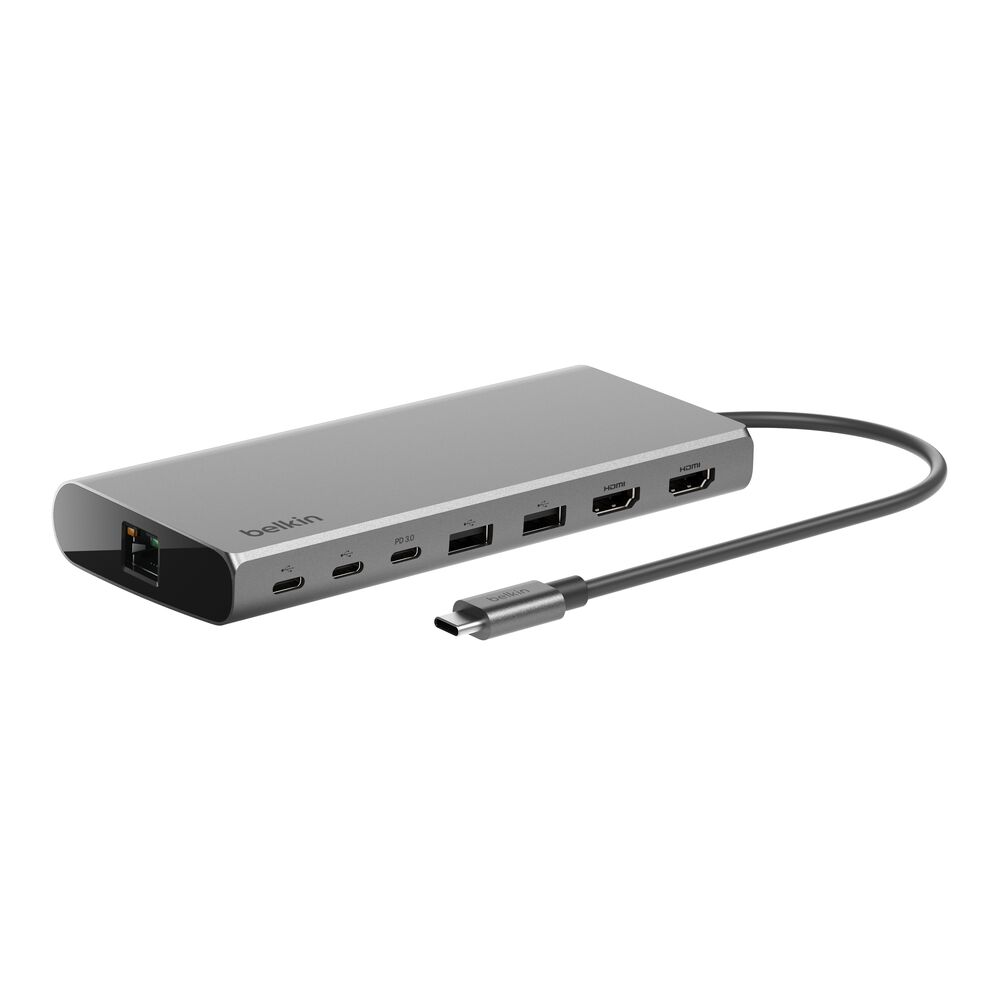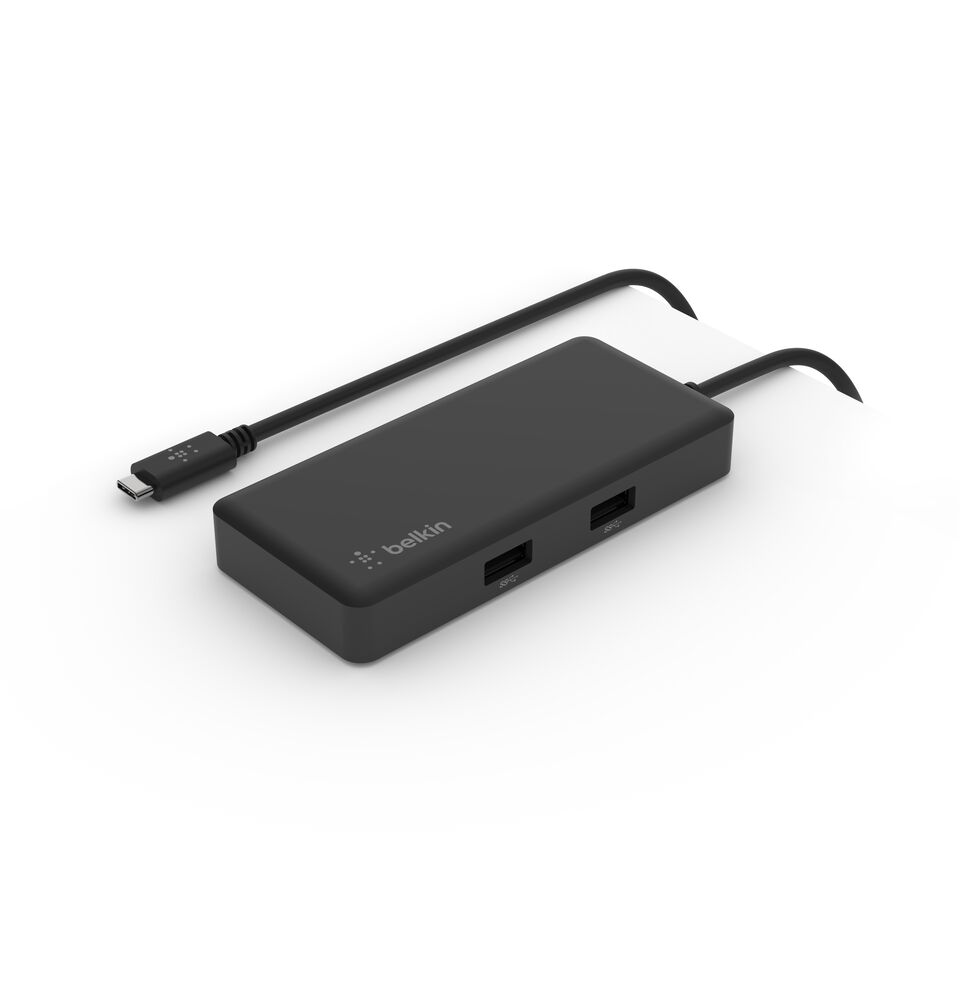
Connection USB-C
Displays Up to 1
Power 86W PD
Driver Native
This page contains affiliate links. We may earn a commission at no extra cost to you. Read our affiliate disclosure.
 By Adrian Cel
The Belkin INC009 is the stronger sibling to Belkin's smaller USB-C travel hubs. It keeps the compact tethered-cable format but adds two things that matter on a modern desk: HDMI 2.0 at up to 4K 60Hz and 2.5Gb Ethernet. The full port list is one HDMI 2.0 output, two USB-A 3.1 10Gbps ports, one USB-C Power Delivery 3.0 input with data support, one 2.5Gb Ethernet jack, SD 3.0, and microSD 3.0. Belkin rates the USB-C pass-through input at up to 100W, with the laptop receiving up to 85W when you use a 100W charger. There is no charger in the box, and the built-in USB-C cable is short at 8.6 inches, so this is still a laptop-side hub rather than a hidden desktop dock. The good news is that it is driverless. The HDMI output depends on a host USB-C port with video support, and Belkin lists compatibility with MacBook, Chromebook, and PC laptops.
Workaround: Choose a DisplayLink, Silicon Motion, Thunderbolt, or USB4 dock if you need two or more external monitors.
Workaround: Use a 100W USB-C PD charger if you want the maximum 85W laptop charging result.
Workaround: Check the laptop's USB-C specifications for DisplayPort Alt Mode or video support before buying.
Workaround: Use the two USB-A ports for peripherals, or choose a hub with downstream USB-C data ports.
Workaround: Keep the adapter uncovered and test it during the return window if you plan to use 2.5Gb Ethernet and pass-through charging daily.
| General | |
| Manufacturer | Belkin |
| Model | INC009btSGY |
| Release Date | 2022-11 |
| MSRP | $109.99 |
| Connectivity | |
| Host Connection | USB-C |
| Max Data Rate | 10 Gbps |
| Driver Required | No (native) |
| Display Output | |
| Max Displays | 1 |
| 1x Display | 3840x2160 @ 60Hz (Belkin lists full-size HDMI output up to 4K@60Hz. The host must have a video-enabled USB-C port.) |
| Ports (4+ total) | |
| USB-C 3.1 | 1x (100W) |
| USB-A 3.1 | 2x |
| HDMI 2.0 | 1x |
| Ethernet (RJ45) | 1x 2.5 Gbps |
| SD Card Reader | 1x |
| microSD Card Reader | 1x |
| Power | |
| Power Input | USB-C |
| Laptop Charging | Up to 85W |
Belkin lists PC laptop compatibility. HDMI requires a video-enabled USB-C port.
Belkin lists MacBook compatibility. Treat the adapter as a single-display USB-C hub, not a dual-monitor workaround for base MacBooks.
Belkin lists Chromebook compatibility. Display, charging, Ethernet, and card reader support still depend on the Chromebook's USB-C capabilities.
USB-C tablets can use basic hub functions when the device supports them, but Belkin's primary compatibility language focuses on laptops.
HDMI output will not work
Only one HDMI output is available
Pass-through charging may be below the original charger
USB-C hub bandwidth is limiting
Very Good
The Belkin INC009 makes the most sense if you want a travel-size USB-C hub but refuse to settle for slow Ethernet or 4K 30Hz HDMI. Compared with the Belkin INC008, the upgrade is obvious: 2.5Gb Ethernet, card readers, the same 4K 60Hz HDMI target, and up to 85W host charging from a 100W USB-C charger. Belkin's own page lists a 3.9 customer rating, a $109.99 price, and a two-year warranty. B&H lists the same model with 25 customer reviews, while Reddit feedback around this 2.5Gb version is thin but useful: buyers like the rare 2.5Gb Ethernet in a compact hub, and one owner noted that it gets warm while still doing the job. That matches the design. This is a dense aluminum adapter pulling power, networking, video, and card reader traffic through one USB-C cable. The limits are the usual USB-C hub limits. It runs one external display, it needs USB-C video output from the host, and it does not work around MacBook multi-monitor restrictions because it is not DisplayLink or Thunderbolt. If you need one 4K 60Hz monitor, faster wired networking, SD cards, and a real brand warranty in a bag-friendly hub, the INC009 is a good pick. If you need two monitors or downstream USB-C expansion, choose a larger dock.