Connection USB-C
Displays Up to 3
Power 100W PD
Driver DisplayLink
This page contains affiliate links. We may earn a commission at no extra cost to you. Read our affiliate disclosure.
 By Adrian Cel
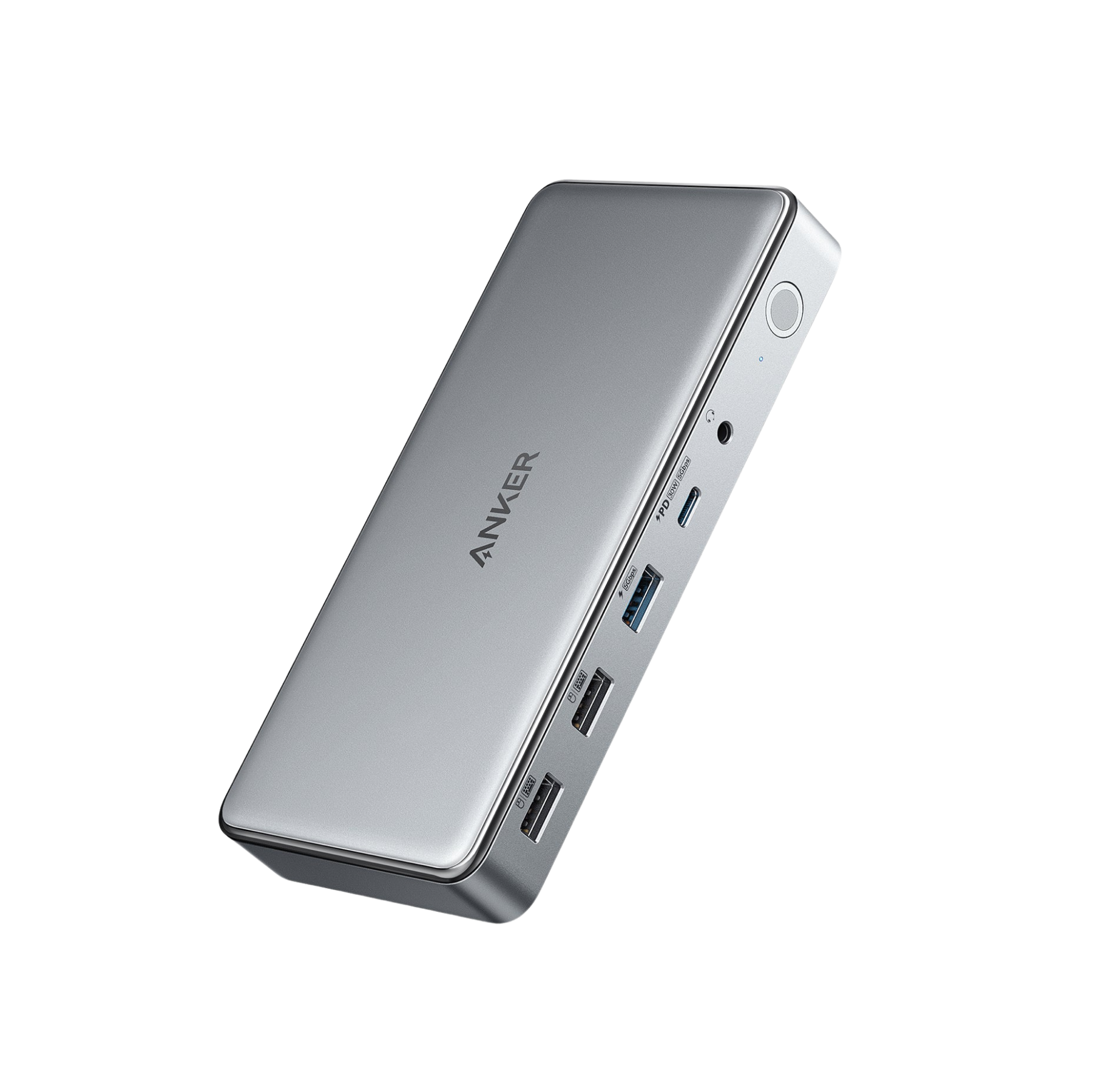
The Anker 564 USB-C Docking Station is a 10-in-1 DisplayLink dock aimed at MacBook owners who want more monitors than a normal USB-C hub can drive. It connects to the laptop over USB-C, ships with a 180W power adapter, and can deliver up to 100W to the host through its upstream USB-C connection. The display side is the reason to consider it: two HDMI 2.0 ports and one DisplayPort can run up to three external displays, with Anker's FAQ rating triple display mode at up to 4K@60Hz when the host supports DisplayPort 1.4. Unlike a driverless MST hub, the 564 uses DisplayLink software so macOS can extend across multiple external monitors instead of mirroring them. You also get a 30W USB-C 5Gbps charging and data port, one 5Gbps USB-A port with 7.5W charging, two USB 2.0 ports for peripherals, Gigabit Ethernet, and a 3.5mm audio jack. Amazon currently lists ASIN B0BNZ5V34J with a 4.4-star rating from about 30 reviews, so the feedback pool is still small. The dock makes sense when you specifically need a MacBook-friendly triple-monitor desk setup and accept the DisplayLink driver trade-off.
Workaround: Install the current DisplayLink Manager from Synaptics before setup. On macOS, grant Screen Recording permission, then reconnect the dock.
Workaround: Connect fast NVMe drives, capture cards, or latency-sensitive devices directly to the laptop or use a Thunderbolt dock.
Workaround: Use the 5Gbps USB-C or 5Gbps USB-A port for storage. Save the USB 2.0 ports for keyboards, mice, receivers, or printers.
Workaround: Add a separate USB card reader if photo or video ingest is part of your desk setup.
Workaround: Buy from a retailer with easy returns if you are sensitive to DisplayLink compatibility or sleep-wake behavior.
| General | |
| Manufacturer | Anker |
| Model | A83A5 |
| Release Date | 2023-05 |
| MSRP | $179.99 |
| Connectivity | |
| Host Connection | USB-C |
| Max Data Rate | 10 Gbps |
| Driver Required | DisplayLink |
| Display Output | |
| Max Displays | 3 |
| 1x Display | 3840x2160 @ 60Hz (Single 4K@60Hz through either HDMI 2.0 or DisplayPort on a compatible host.) |
| 2x Display | 3840x2160 @ 60Hz (Dual external display setup using two of the dock's HDMI or DisplayPort outputs. DisplayLink software is required for MacBook extended-display behavior.) |
| 3x Display | 3840x2160 @ 60Hz (Anker's FAQ says the dock can support three external monitors through two HDMI ports and one DisplayPort at up to 4K@60Hz if the host supports DP 1.4. With DP 1.2 hosts, the first HDMI port is limited to 4K@30Hz.) |
| Ports (7+ total) | |
| USB-C 3.2 | 1x (30W) |
| USB-A 3.2 | 1x (7.5W) |
| USB-A 2.0 | 2x |
| HDMI 2.0 / up to 4K@60Hz | 2x |
| DisplayPort up to 4K@60Hz | 1x |
| Ethernet (RJ45) | 1x 1 Gbps |
| Audio (3.5mm-combo) | 1x |
| Power | |
| Power Input | DC-barrel |
| Laptop Charging | Up to 100W |
Supported on Windows 10 and 11 laptops with a full-function USB-C port. Install DisplayLink software for the DisplayLink outputs.
Supported on Intel and Apple Silicon MacBooks with DisplayLink Manager installed. Screen Recording permission is required for extended multi-display output.
Anker's support article lists ChromeOS compatibility when the laptop has a full-function USB-C port.
Display output unsupported
Extended displays fail or stay blank
DisplayLink is not ideal
Very Good
The Anker 564 is basically Anker's answer to the MacBook multi-monitor problem. It is more capable for external displays than a plain USB-C MST hub because DisplayLink lets base Apple Silicon MacBooks use separate extended screens. That is the win. The cost is that this is still a USB-C dock, not a Thunderbolt dock, and its extra monitors depend on software compression. DisplayLink is fine for office work, browser windows, email, dashboards, and spreadsheets. It is a poor fit for gaming, color critical video work, or HDCP protected streaming on every screen. The rest of the hardware is practical rather than premium. The 100W laptop charging and 30W front USB-C charging port are genuinely useful, the included 180W adapter gives the dock enough power overhead, and Gigabit Ethernet plus audio cover the basics. The weaker spots are the two USB 2.0 ports, the lack of SD or microSD readers, and the thin Amazon review sample. There is also one oddity in Anker's support copy: one article says 3840x2610, while the product parameter table and FAQ use 3840x2160 class 4K. I would treat the latter as the usable spec. Buy the Anker 564 for a MacBook or Windows laptop desk where three productivity monitors matter more than native Thunderbolt bandwidth. Skip it if you want driver-free dual 4K@60Hz, faster storage bandwidth, or a dock with more tested long-term feedback.


