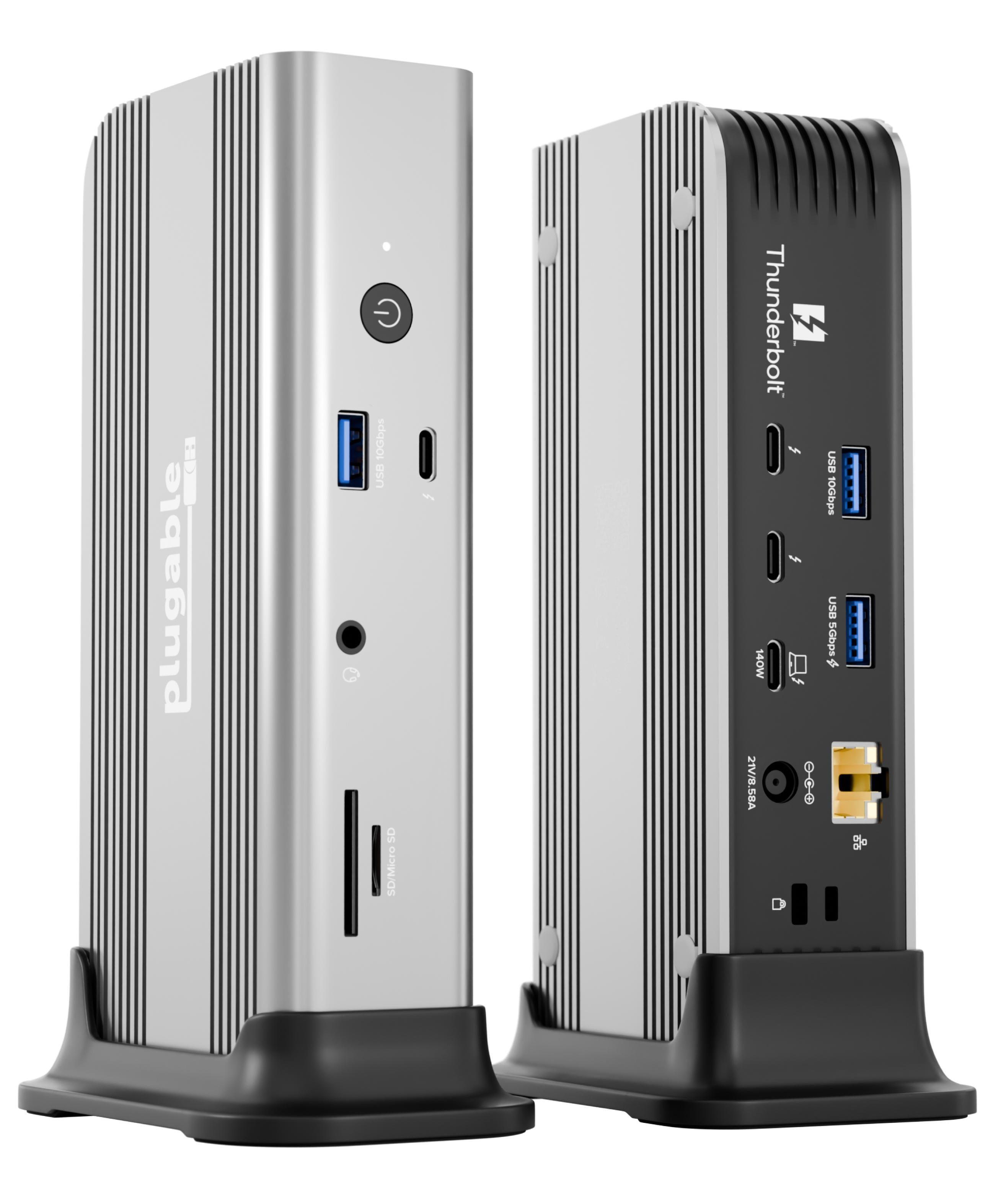
Connection Thunderbolt 4
Displays Up to 4
Power 96W PD
Driver Native
This page contains affiliate links. We may earn a commission at no extra cost to you. Read our affiliate disclosure.
 By Adrian Cel
The Dell Pro Thunderbolt 5 Smart Dock SD25TB5 is Dell's top Pro Dock for high-power workstations and managed desks. It uses a Thunderbolt 5 host connection, a 330W power adapter, a built-in host cable, two downstream Thunderbolt 5 ports, two DisplayPort 2.1 ports, one HDMI 2.1 port, a rear USB-C display-capable port, 2.5GbE, and a mix of 10Gbps USB-A and USB-C ports. The headline numbers are big: Dell lists up to 300W charging for compatible Dell systems, up to 240W for non-Dell systems, and up to four 4K displays at 120Hz when the host, monitors, cables, and DSC support line up. It is also a Smart Dock, so it supports Dell's remote management stack for fleet inventory, firmware, PXE boot, MAC address pass-through, Wake-on-LAN, WLAN to LAN behavior, and Intel AMT over Thunderbolt on supported vPro systems. That makes the SD25TB5 less of a general home-office dock and more of a Dell workstation dock with enterprise management bolted in.
Workaround: Only pay the premium if you need 240W to 300W charging or Dell's Smart Dock management features.
Workaround: Use strain relief and avoid tight desk routing around the attached cable.
Workaround: Mount the dock farther from your seating position if fan noise bothers you.
Workaround: Use a Thunderbolt or USB4 10GbE adapter if your workflow needs faster wired networking.
Workaround: Mixed-device buyers should treat this as a high-power Thunderbolt dock first and verify which Dell management features matter before paying the premium.
Workaround: Add a small USB audio adapter or card reader if those ports are part of your desk setup.
| General | |
| Manufacturer | Dell |
| Model | SD25TB5 |
| Release Date | 2025-12 |
| MSRP | $624.99 |
| Connectivity | |
| Host Connection | Thunderbolt 5 |
| Max Data Rate | 80 Gbps |
| Driver Required | No (native) |
| Display Output | |
| Max Displays | 4 |
| 1x Display | 7680x4320 @ 60Hz (Dell and Windows Central list single-display support up to 8K@60Hz.) |
| 2x Display | 5120x2880 @ 60Hz (Windows Central lists up to dual 6K@60Hz. The schema cannot represent 6144x3456, so this entry uses the nearest supported enum and records the 6K detail here.) |
| 4x Display | 3840x2160 @ 120Hz (Dell and Windows Central list up to four 4K displays at 120Hz with DP 2.1 or Thunderbolt 5 plus Display Stream Compression. With DP 1.4 and DSC, Windows Central reports quad 4K@60Hz. Without DSC, expect lower limits such as quad QHD@60Hz.) |
| Ports (14+ total) | |
| USB-A 3.2 | 4x (4.5W) |
| USB-C 3.2 | 2x |
| USB-C 4.0 | 2x (15W) |
| DisplayPort 2.1 | 2x |
| HDMI 2.1 | 1x |
| USB-C DisplayPort 2.1 Alt Mode | 1x |
| Thunderbolt 5 | 2x |
| Ethernet (RJ45) | 1x 1 Gbps / 2.5 Gbps |
| Power | |
| Power Input | DC-barrel |
| Laptop Charging | Up to 240W |
Windows Central lists Windows 10 and Windows 11 compatibility. Dell-specific power, firmware, and fleet-management behavior is strongest on supported Dell PCs.
Windows Central lists macOS compatibility, but the dock cannot override Apple's external-display limits. Expect reduced management features compared with Dell Windows systems.
Windows Central lists Ubuntu 24.04 and RHEL 9.7 compatibility. Dell firmware and management tooling should still be checked against the specific host.
Windows Central lists ChromeOS 141 compatibility.
Lower power delivery ceiling and fewer Dell-specific features
Apple display limits still apply
Internal fan is audible
Excellent
The SD25TB5 is the Dell dock to buy when power delivery and managed Thunderbolt 5 matter more than price. It solves a real problem for Dell Precision and Pro Max laptops that need more than the 96W or 130W available from most Thunderbolt 4 docks, and its display headroom is far beyond older Dell models. The ports are practical too: native HDMI 2.1 and DisplayPort 2.1 mean fewer adapters, while the two downstream Thunderbolt 5 ports leave room for fast storage or a Thunderbolt display. The tradeoffs are just as clear. It is expensive at Dell's $624.99 list price, the host cable is built in, the internal fan is audible in quiet rooms, and 2.5GbE feels conservative on a dock this costly. Most of the smart-management value is also Dell-fleet value. If you run a Dell workstation fleet, the SD25TB5 is a strong desk anchor. If you just want a quiet Thunderbolt 5 dock for a MacBook or a mixed home setup, CalDigit, OWC, or Plugable may be easier to justify.

A spec-backed comparison of the CalDigit TS5 Plus and Dell SD25TB5 Thunderbolt 5 docks, including 10GbE, 240W charging, display support, Dell fleet features, Mac limits, and value.
A fact-based Dell SD25TB5 vs SD25TB4 comparison covering Thunderbolt 5 vs Thunderbolt 4 bandwidth, charging, displays, ports, management features, Mac caveats, and who should upgrade.
A practical comparison of the Kensington SD5000T5 and Dell SD25TB5 Thunderbolt 5 docks, covering charging, displays, ports, Mac limits, warranty, and enterprise fit.
Lenovo ThinkPad Thunderbolt 5 Smart Dock 7500 vs Dell SD25TB5 compared by charging, display support, ports, fleet management, compatibility, and value.